The Best Heatmap Software Tools to Elevate Your Website Optimization in 2024

Want to know exactly how visitors interact with your website? Heatmap software is your secret weapon. By tracking where users click, how far they scroll, and where they spend the most time, heatmaps provide the insights you need to optimize user experience and boost conversions—turning more visitors into loyal customers.
In this article, we’ve compiled the top 15 heatmap software tools of 2024, breaking down their features, pricing, and best use cases. Whether you’re running a small business, managing a large enterprise, or focusing on mobile apps, there’s a heatmap tool for that.
Table of Contents
- What is Heatmap Software?
- Key Features to Look For in Heatmap Tools
- Product Overview Table
- Top 15 Heatmap Software Tools (2024)
- Conclusion: How to Choose the Best Heatmap Tool
What is Heatmap Software?
Heatmap software provides a visual representation of user behavior on your website or app. These tools track where users click, how they navigate through pages, and how far they scroll. Heatmaps use color codes—such as red for "hot" areas with a lot of interaction and blue for "cold" areas with less activity—to show how users engage with your site.
In addition to heatmaps, most of these tools offer advanced features like session recordings, funnel analysis, and A/B testing to help you improve user experience and boost conversions.
Key Features to Look For in Heatmap Tools
Before diving into the tools, let’s look at some essential features you should consider when choosing heatmap software:
- Click Maps: Shows where users are clicking the most.
- Scroll Depth Tracking: Reveals how far users are scrolling down your pages.
- Session Recording: Allows you to replay individual user sessions and see their interactions in real-time.
- Funnel Analytics: Helps you analyze how users move through your conversion funnel and where drop-offs occur.
- A/B Testing: Lets you experiment with different layouts, designs, or content to find what works best.
- Form Analytics: Monitors how users interact with forms and where they abandon them.
Product Overview
| Product | Pricing Starts At | Free Version |
|---|---|---|
| Mouseflow | $31/month (Annual) | Yes |
| Crazy Egg | $99/month (Annual) | Yes (30-day free trial) |
| Hotjar | $32/month (Annual, Plus Plan) | Yes |
| Lucky Orange | $32/month (Annual, Build Plan) | No |
| Inspectlet | $39/month (Paid Plan) | No |
| FullStory | Contact Vendor | Yes |
| Smartlook | €55/month (Pro Plan) | Yes (30-day free trial) |
| Ptengine | $49.00/Month (Insight Growth) | Yes |
| VWO | $159/month (Annual) | Free for up to 10,000 monthly tracked users |
| Glassbox | Contact Vendor | Yes |
| Zoho PageSense | $20/month | No |
| Plerdy | $21/month (Startup Plan) | Yes |
| LogRocket | $99/month | Yes |
| Browsee | $24/Month (Starter-Plan) | Yes |
Top 15 Heatmap Software Tools (2024)
Here’s a breakdown of the top 15 heatmap software tools for 2024, each offering a unique set of features tailored to different business needs:
Mouseflow
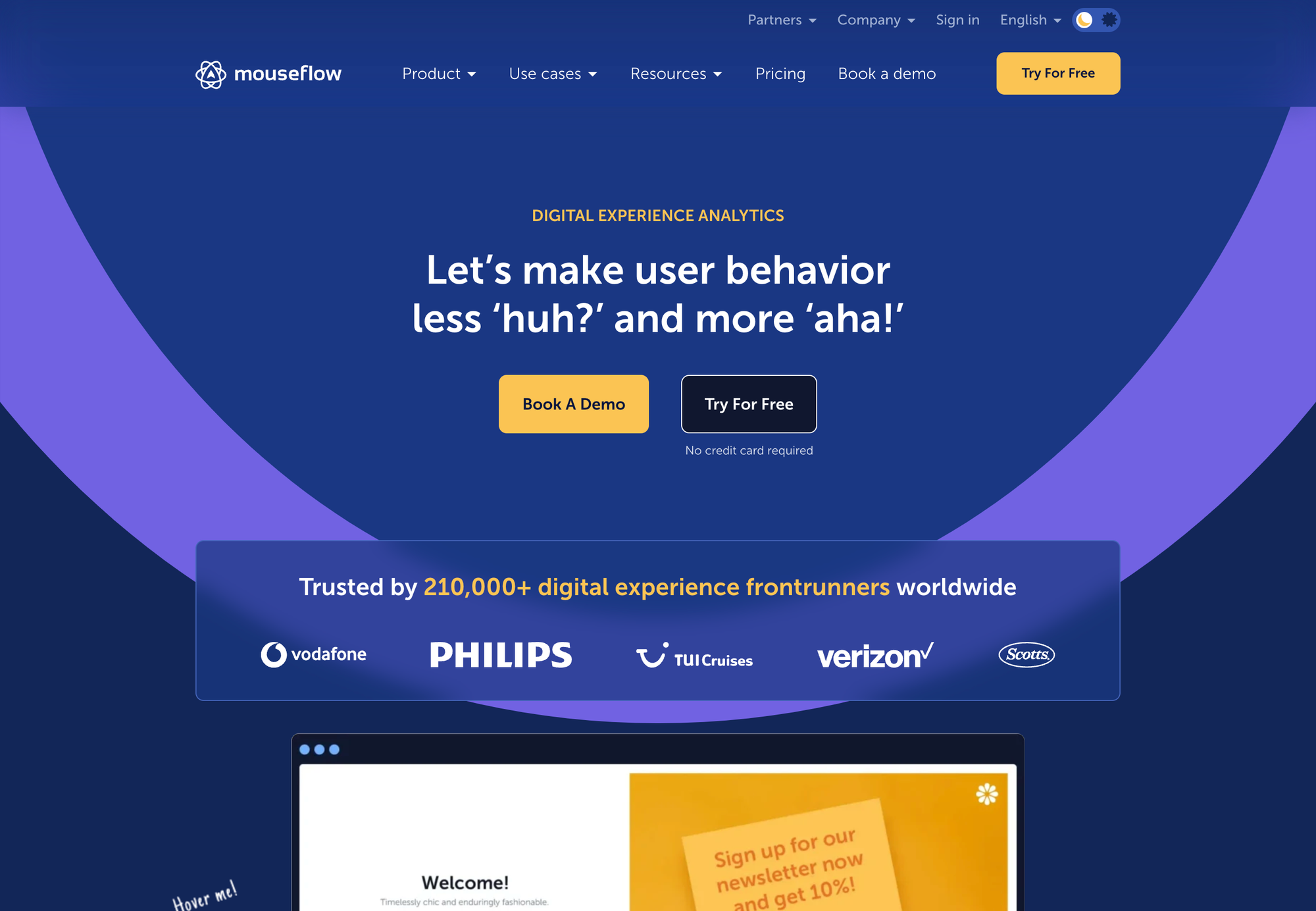
- Best For: Businesses of all sizes seeking a comprehensive heatmap solution.
- Key Features: Heatmaps, Session Recordings, A/B Testing, Funnels, Form Analytics
- Target Audience: Businesses of all sizes seeking a comprehensive heatmap solution.
- Pricing: Starts at $31/month (Annual)
- Free Version: Yes
- Unique Features: Offers a "confetti" feature to visualize user clicks in real-time, making it easy to identify popular areas of your website.
Crazy Egg
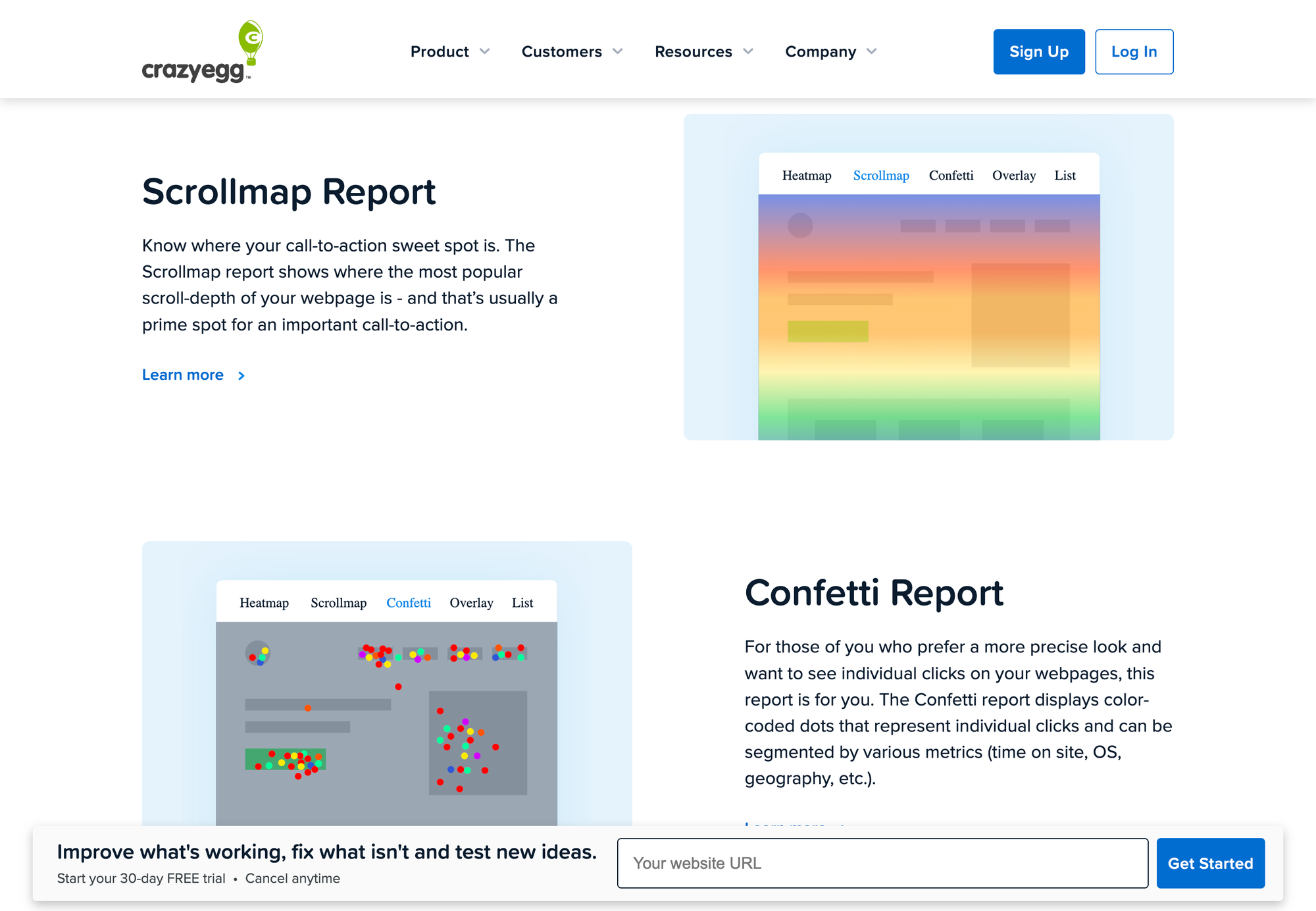
- Best For: Businesses using WordPress, especially bloggers and online stores.
- Key Features: Heatmaps, Scrollmaps, Session Recordings, A/B Testing
- Target Audience: Businesses using WordPress, especially bloggers and online stores.
- Pricing: Starts at $99/month (Annual)
- Free Version: Yes (30-day free trial)
- Unique Features: Offers a "confetti" feature to visualize user clicks in real-time, making it easy to identify popular areas of your website.
Hotjar
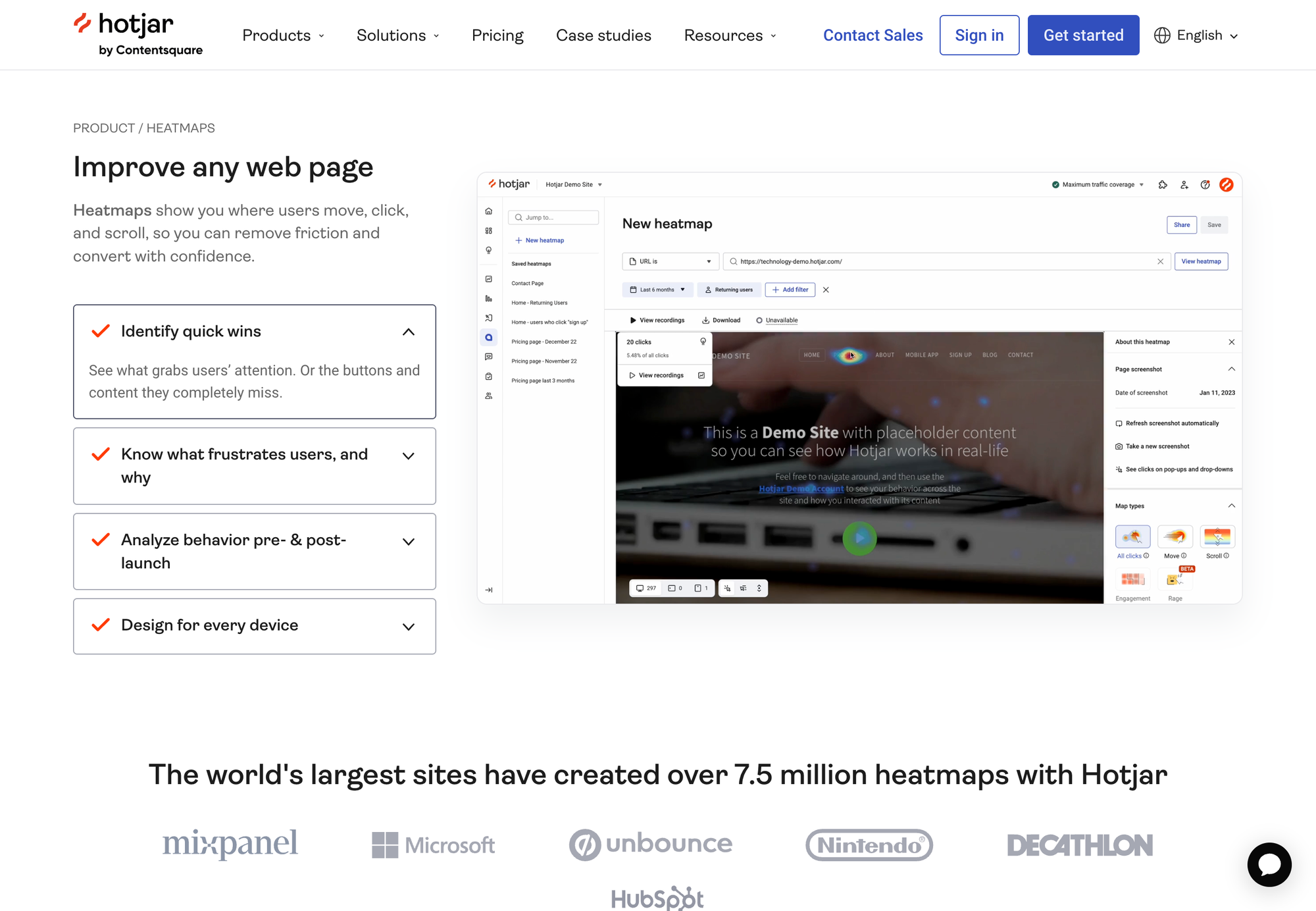
- Best For: Businesses of all sizes seeking a comprehensive heatmap solution.
- Key Features: Heatmaps, Click Maps, Session Recordings, Funnels, Form Analytics, Surveys
- Target Audience: Businesses of all sizes seeking a comprehensive heatmap solution.
- Pricing: Starts at $32/month (Annual, Plus Plan)
- Free Version: Yes
- Unique Features: Offers a survey tool to gather direct feedback from website visitors, allowing you to understand their thoughts and pain points.
Lucky Orange
- Best For: Businesses focused on conversion optimization.
- Key Features: Heatmaps, Session Recordings, Live Visitor Recordings, Conversion Funnels, Element Analytics
- Target Audience: Businesses focused on conversion optimization.
- Pricing: Starts at $32/month (Annual, Build Plan)
- Free Version: No
- Unique Features: Offers "element analytics" to track user interactions with specific elements on your website, such as buttons, links, and images.
Inspectlet
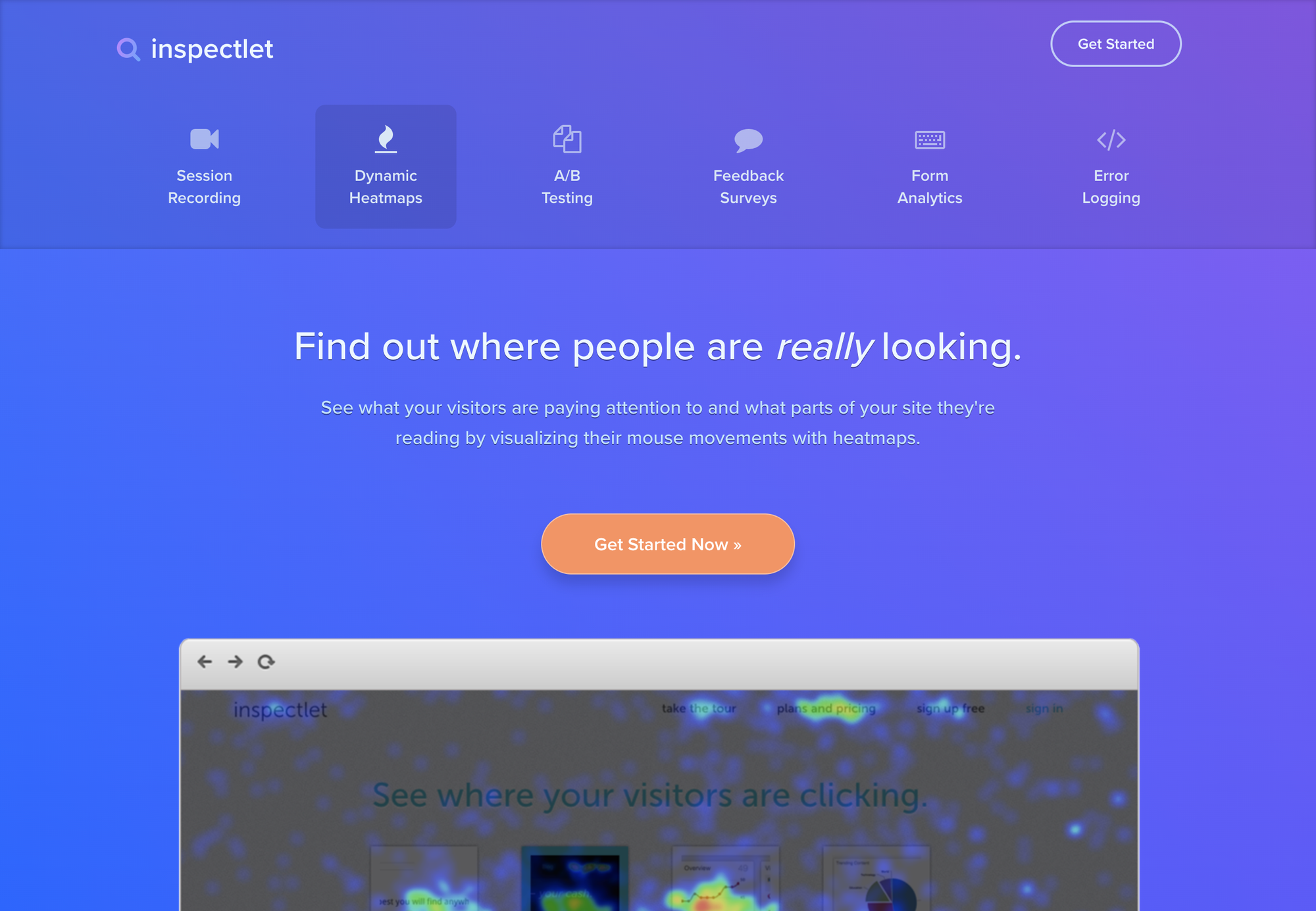
- Best For: Businesses seeking a free alternative to Google Analytics.
- Key Features: Heatmaps, Session Recordings, User Tracking, Form Analytics, Eye-Tracking Heatmaps
- Target Audience: Businesses seeking a free alternative to Google Analytics.
- Pricing: Starts at $39/month (Paid Plan)
- Free Version: No
- Unique Features: Offers eye-tracking heatmaps to visualize where users are looking on your website, providing insights into their attention and focus.
Full Story
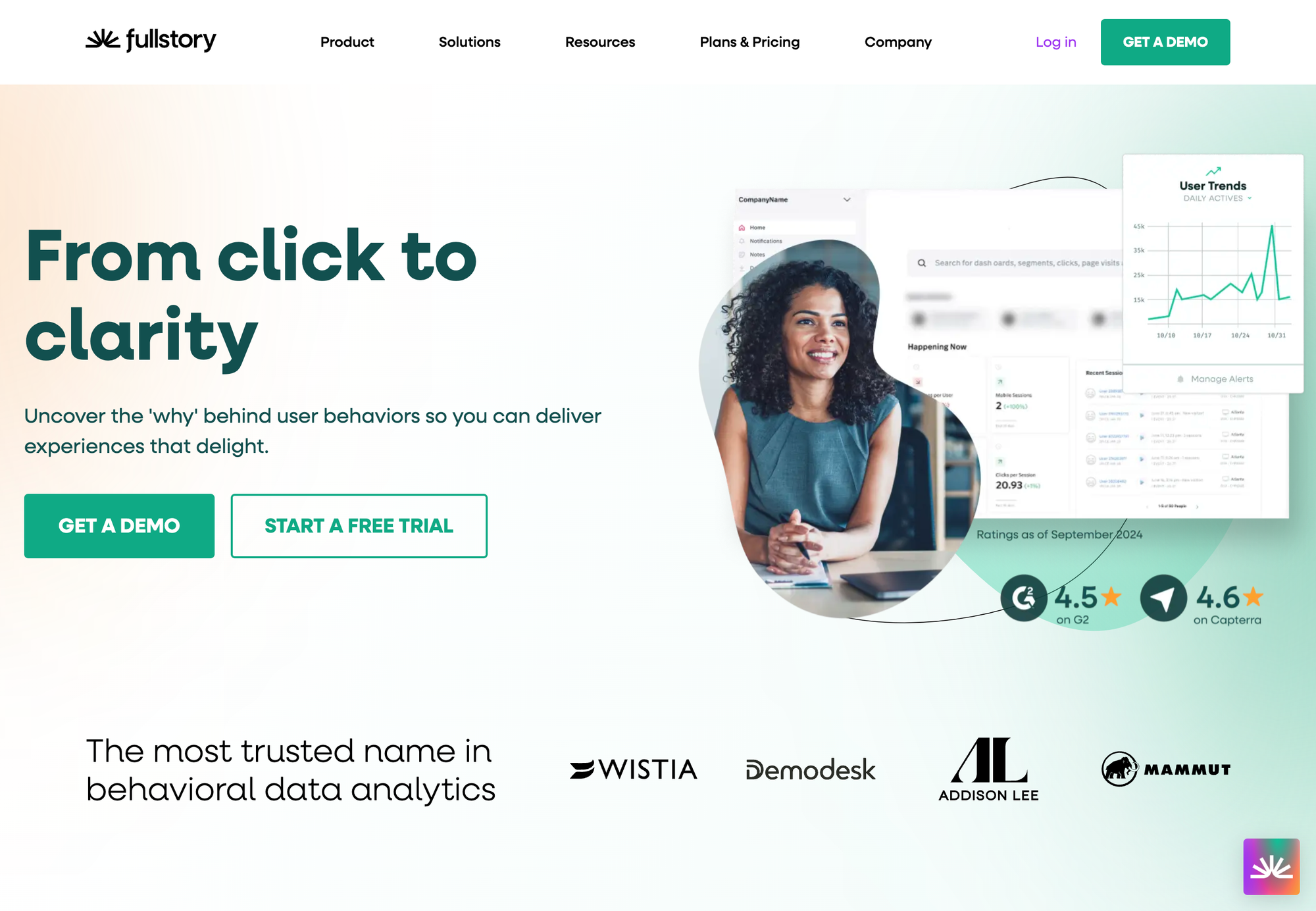
- Best For: Businesses requiring in-depth analysis of user behavior and customer journeys.
- Key Features: High-Quality Session Replays, Heatmaps, User Search Tracking, Form Analytics, User Behavior Analysis
- Target Audience: Businesses requiring in-depth analysis of user behavior and customer journeys.
- Pricing: Contact Vendor
- Free Version: Yes
- Unique Features: Offers a "search bar" feature to quickly find specific user sessions based on keywords or actions, making it easy to analyze specific user behaviors.
Smartlook
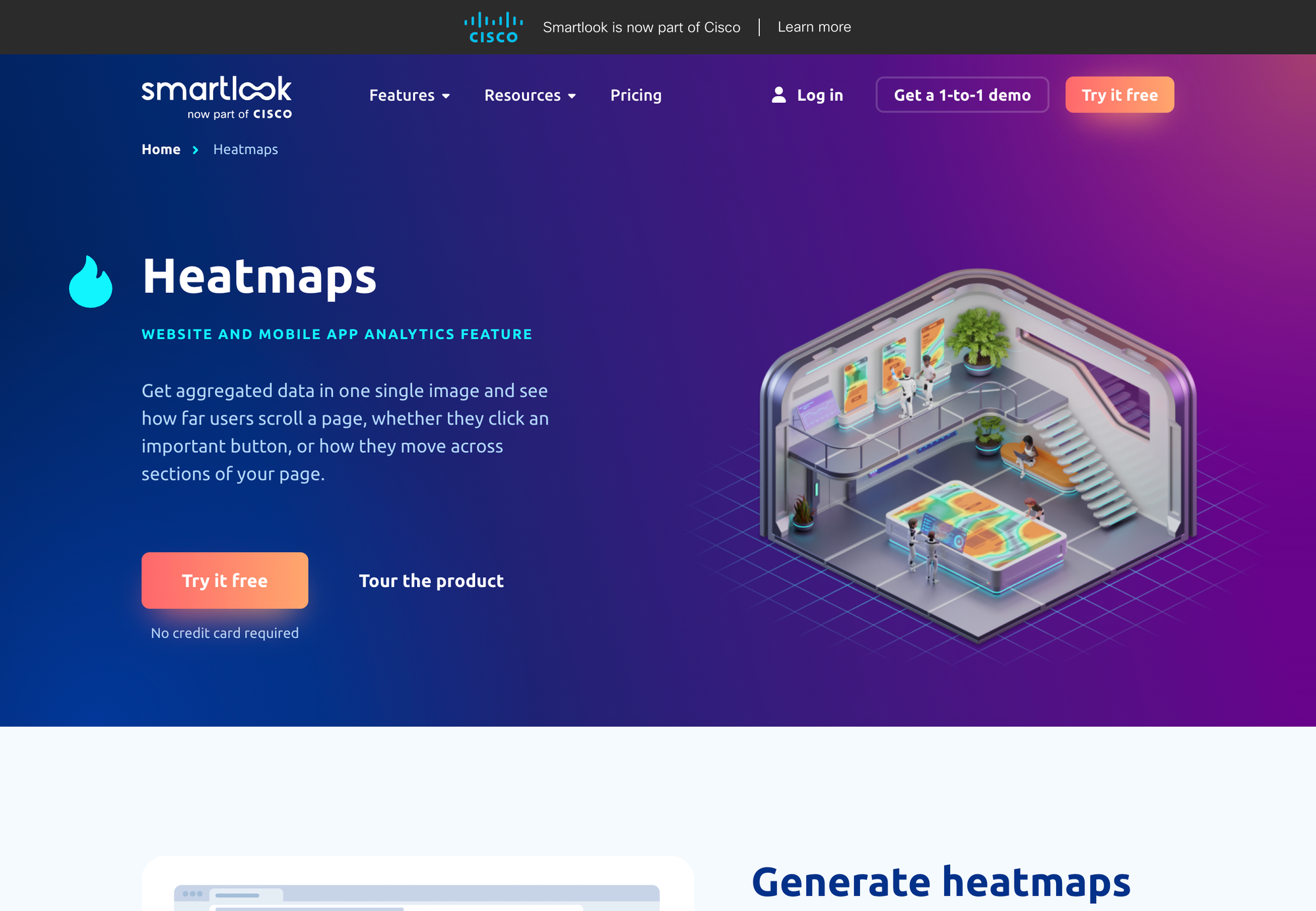
- Best For: Businesses with mobile apps.
- Key Features: Mobile App Heatmaps, Session Recordings, User Flows, Funnels, Advanced Product Analytics, Anomaly Reporting, Exports to CSV, Premium Integrations, DevTools
- Target Audience: Businesses with mobile apps.
- Pricing: Starts at €55/month (Pro Plan)
- Free Version: Yes (30-day free trial)
- Unique Features: Offers a "funnel analysis" tool to visualize how users move through your conversion funnel and identify drop-off points.
Ptengine
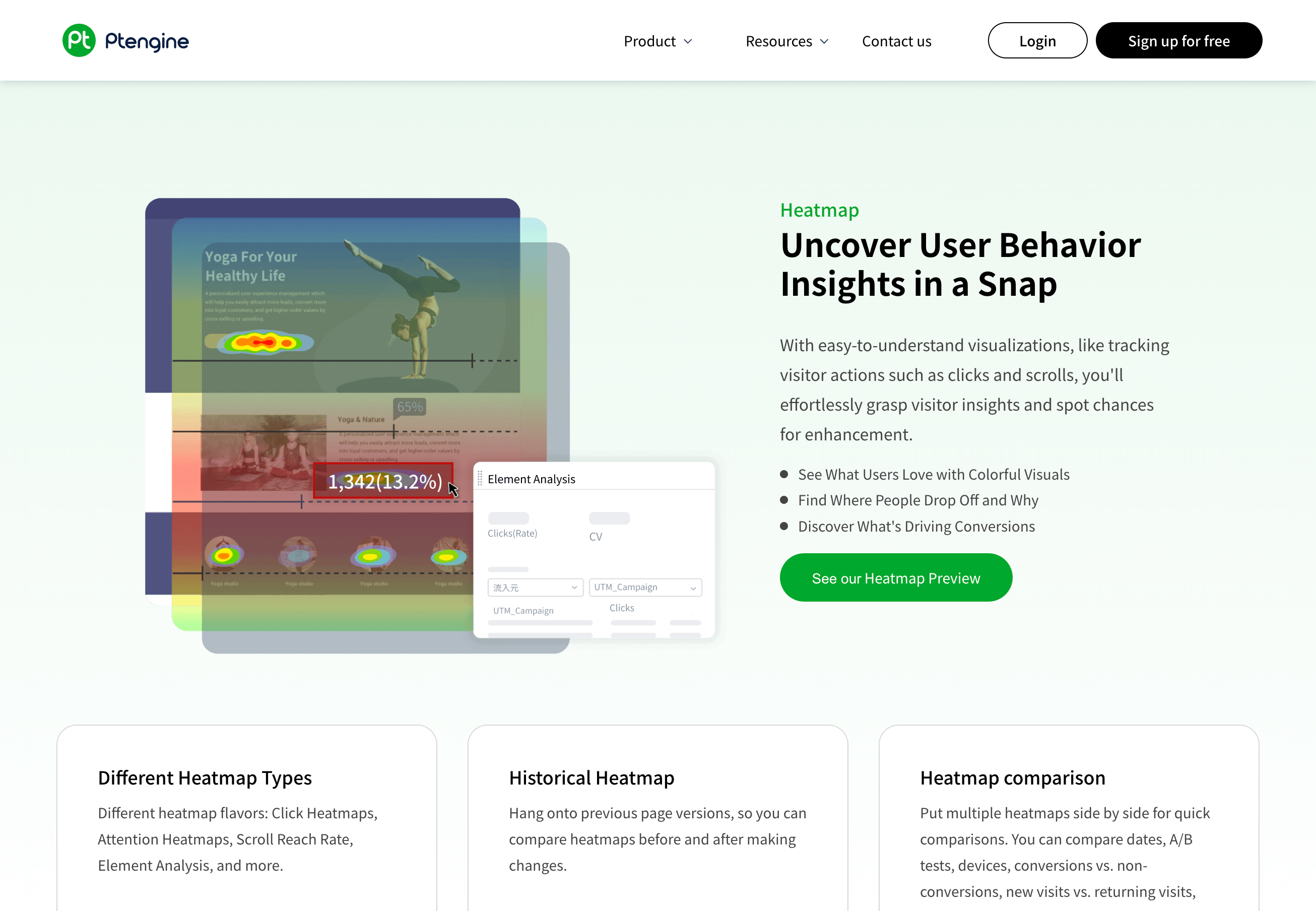
- Best For: Businesses focused on funnel optimization.
- Key Features: Heatmaps, Event Tracking, Conversions, Segmentation, Advanced Heatmap Features, Conversion Funnels, Chat/Email Support
- Target Audience: Businesses focused on funnel optimization.
- Pricing: Starts at $49.00/Month (Insight Growth)
- Free Version: Yes
- Unique Features: Offers a "segmentation" feature to analyze user behavior based on different criteria, such as demographics, device type, or location.
VWO
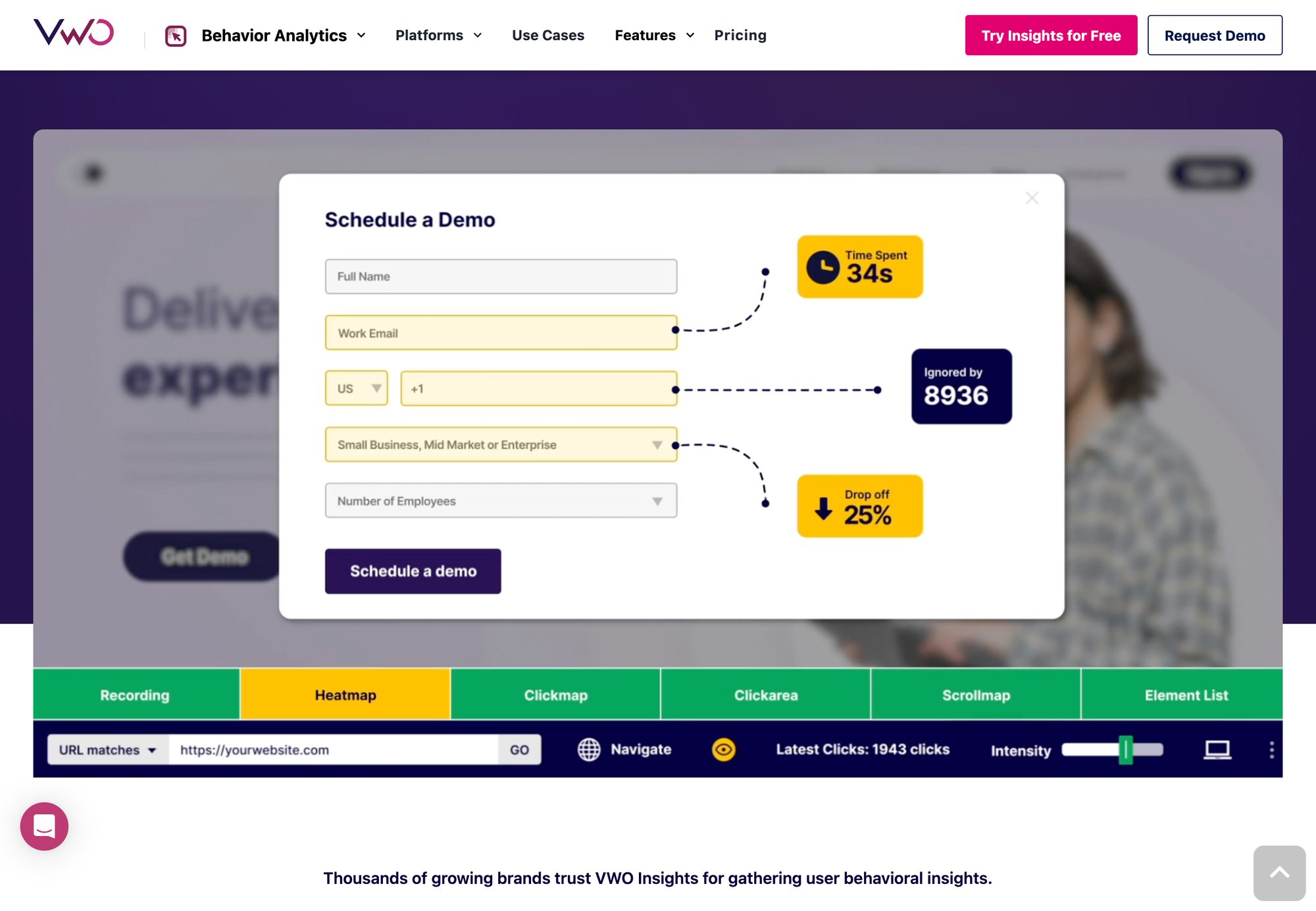
- Best For: Businesses looking to try with different website designs and layouts.
- Key Features: A/B Testing, Heatmaps, User Targeting, Personalization
- Target Audience: Businesses looking to experiment with different website designs and layouts.
- Pricing: Starts at $159/month (Annual)
- Free Version: Free for up to 10,000 monthly tracked users
- Unique Features: Offers a powerful A/B testing tool to experiment with different website variations and measure their impact on conversions.
Glassbox
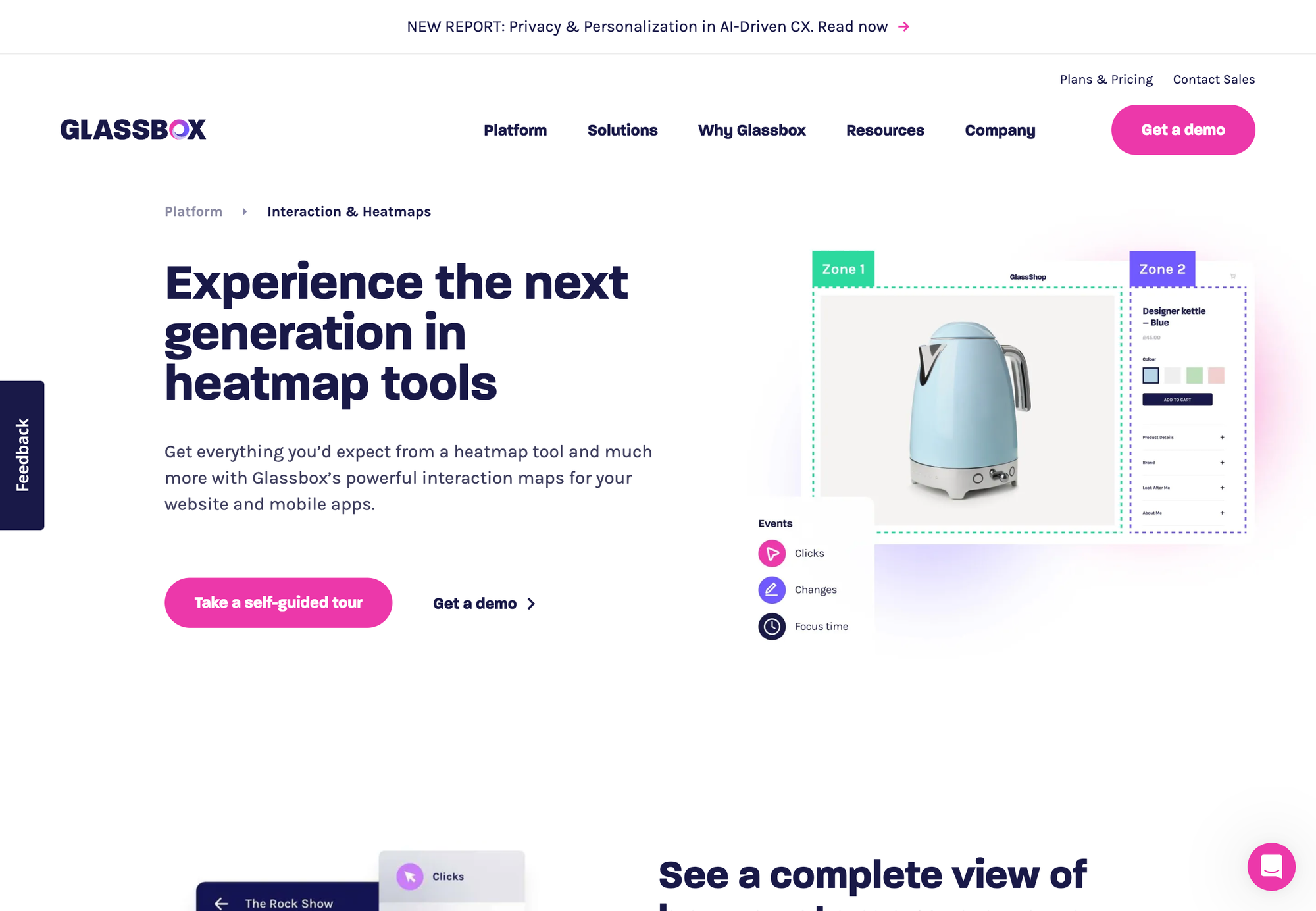
- Best For: Businesses seeking a comprehensive digital customer experience analytics platform.
- Key Features: Captures customer interactions, provides insights to improve customer experience
- Target Audience: Businesses seeking a comprehensive digital customer experience analytics platform.
- Pricing: Contact Vendor
- Free Version: Yes
- Unique Features: Offers a "session replay" feature that captures every click, scroll, and interaction a user has with your website, allowing you to replay sessions and understand user behavior in detail.
Zoho PageSense
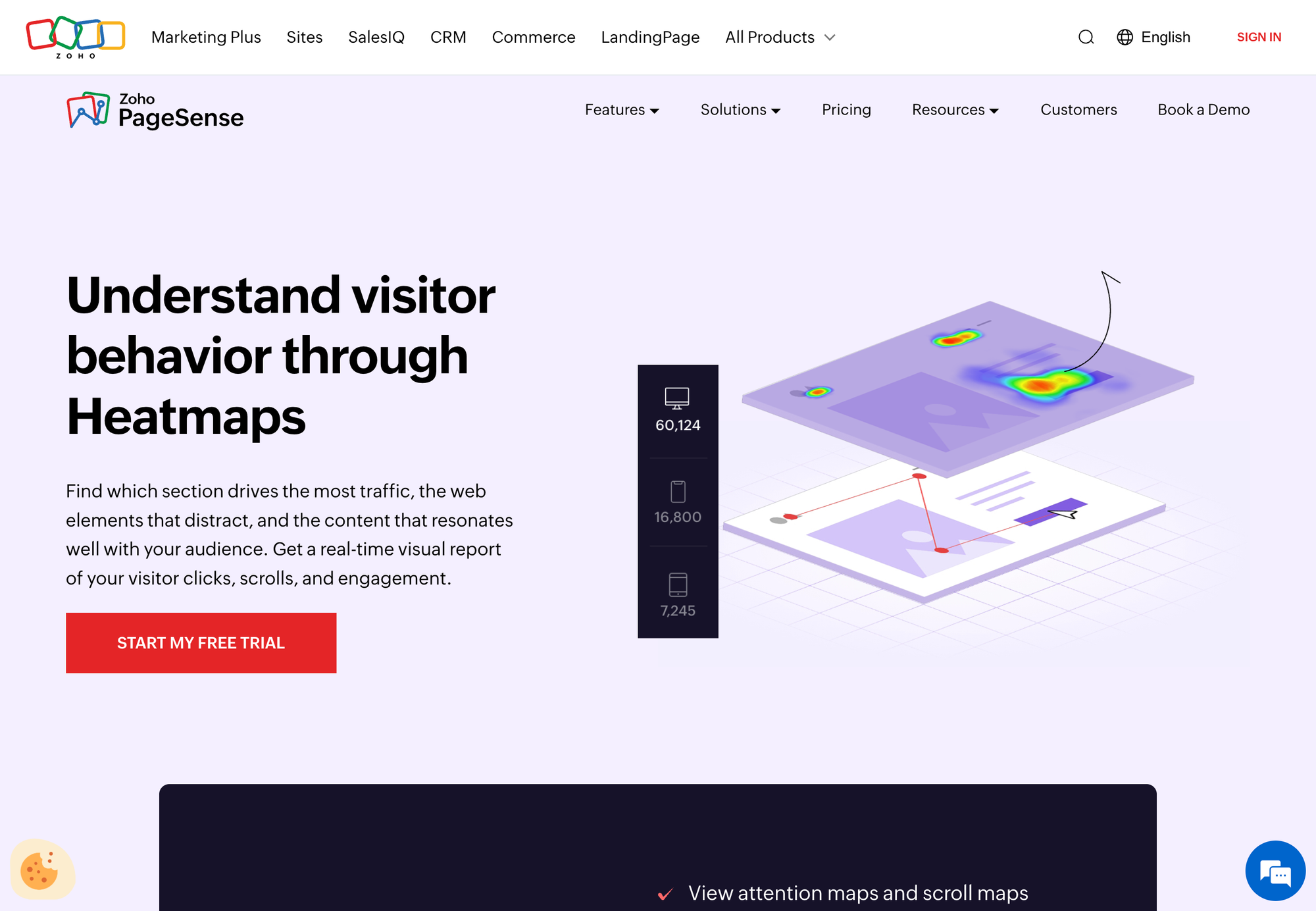
- Best For: Businesses looking for an integrated A/B testing and heatmap solution.
- Key Features: Heatmaps, A/B Testing, Form Analytics
- Target Audience: Businesses looking for an integrated A/B testing and heatmap solution.
- Pricing: Starts at $20/month
- Free Version: No
- Unique Features: Offers a "form analytics" tool to track user interactions with forms on your website, identifying areas where users may be struggling or abandoning the process.
Plerdy
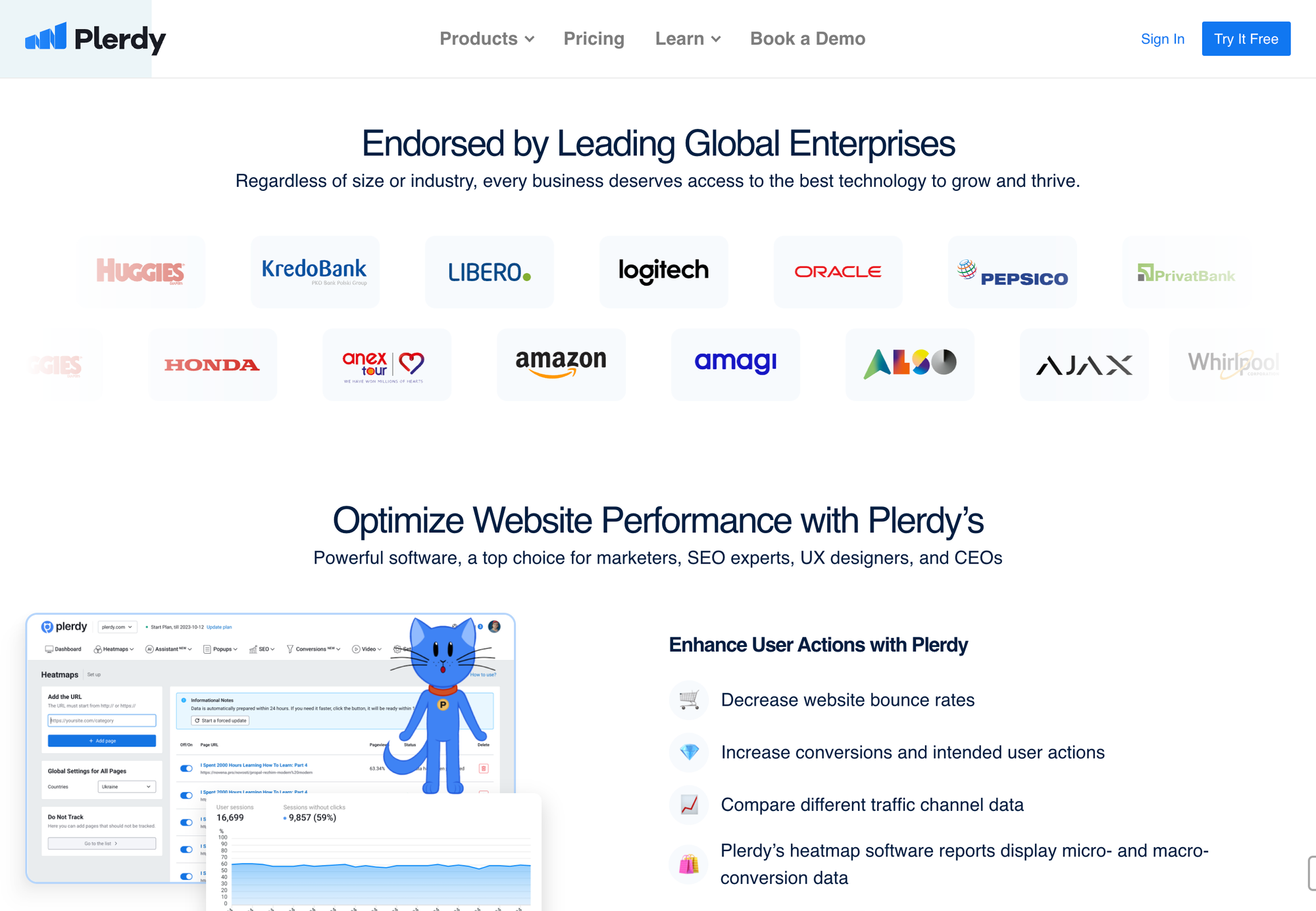
- Best For: Small businesses
- Key Features: Heatmaps, Session Recordings, Funnels, User Behavior Analytics
- Target Audience: Small businesses
- Pricing: Starts at $21/month (Startup Plan)
- Free Version: Yes
- Unique Features: Offers a "first-click analysis" tool to identify the first interaction users have with your website, providing insights into their initial impressions.
LogRocket
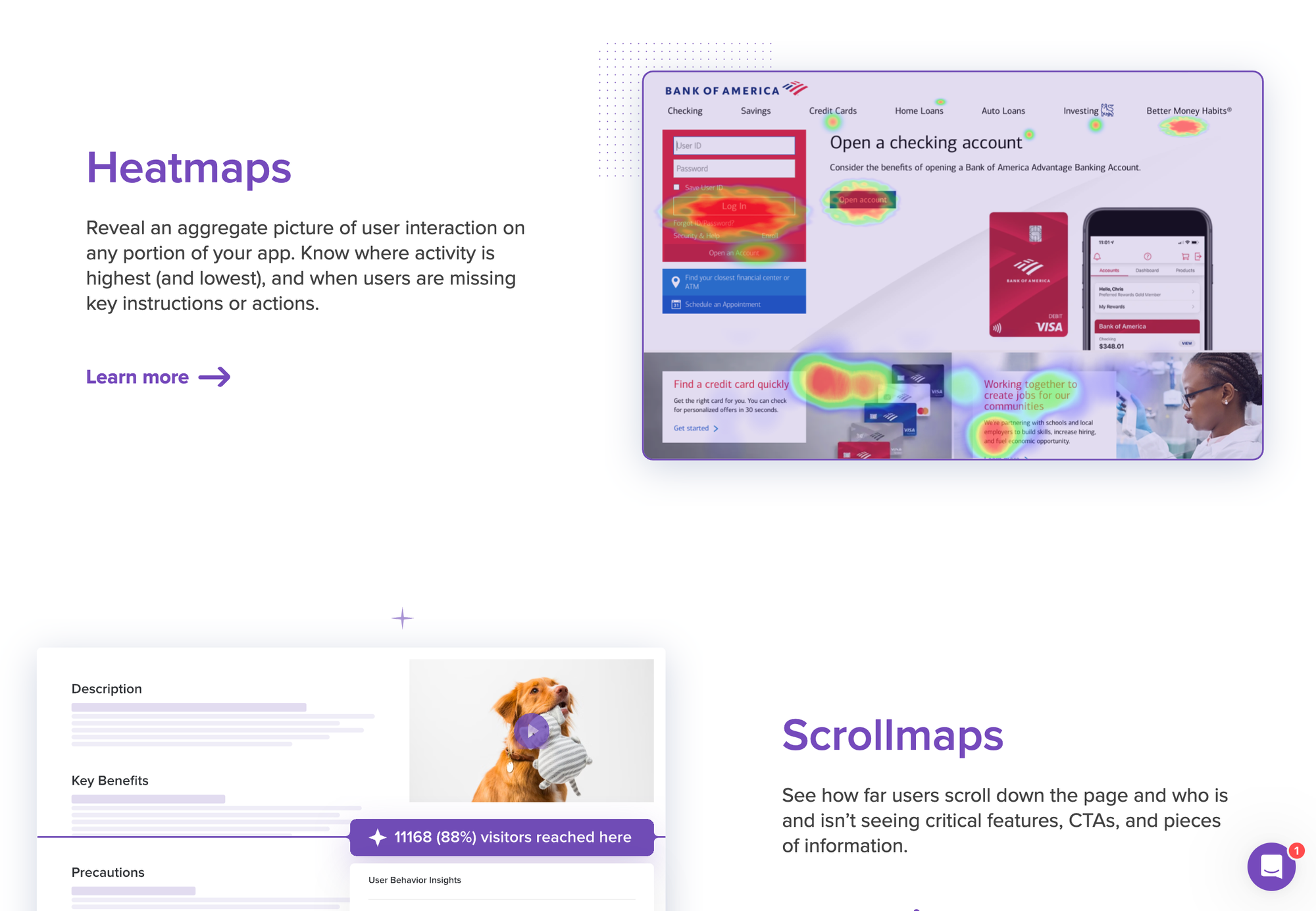
- Best For: Businesses prioritizing session replays and bug tracking.
- Key Features: Session Replays, Bug Tracking, User Behavior Analysis, Error Reporting
- Target Audience: Businesses prioritizing session replays and bug tracking.
- Pricing: Starts at $99/month
- Free Version: Yes
- Unique Features: Offers a "bug tracking" feature that automatically captures errors and provides context on user behavior leading up to the error, making it easier to identify and fix issues.
Browsee
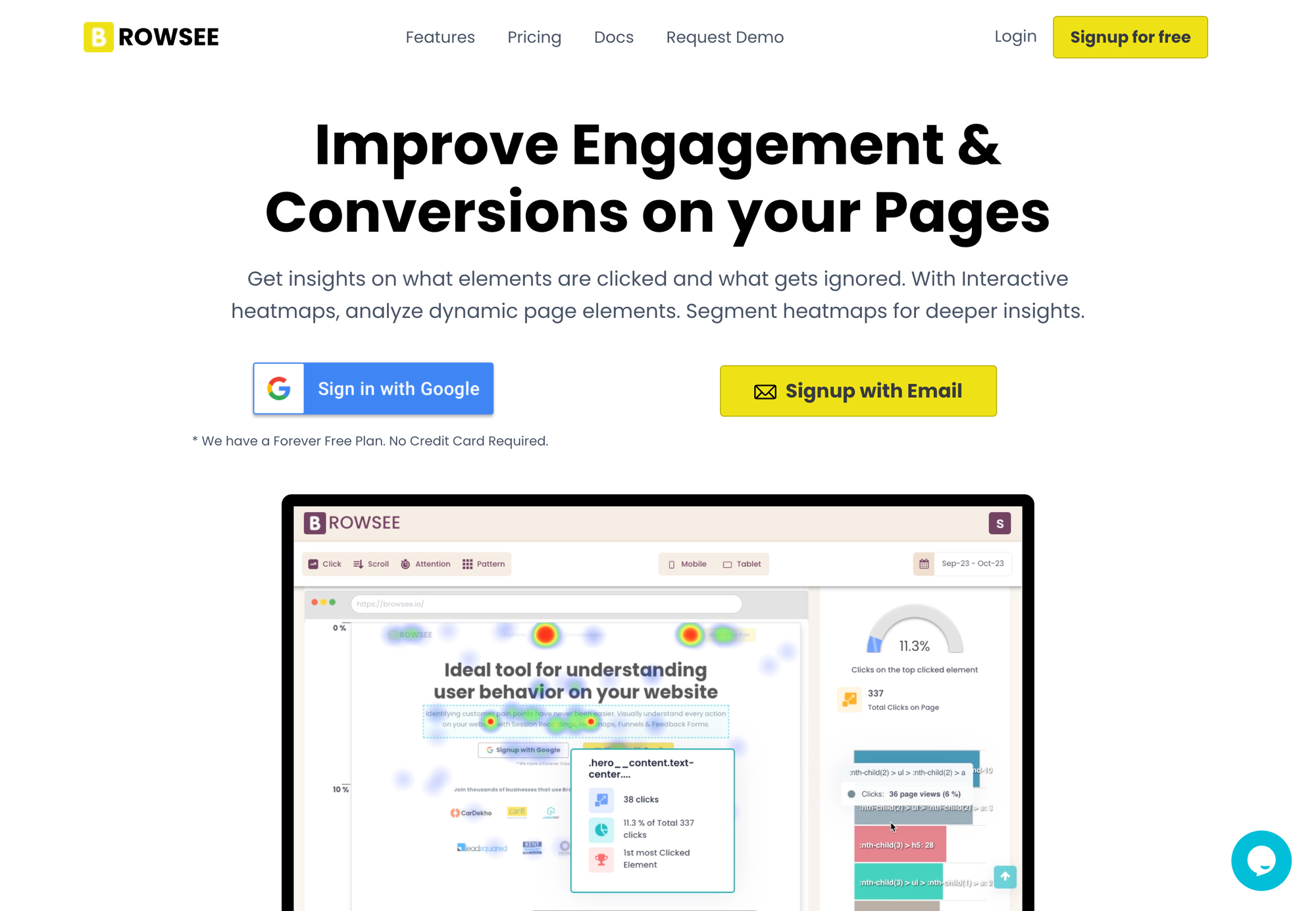
- Best For: Startups seeking an affordable heatmap solution.
- Key Features: Heatmaps, Session Recordings, Behavior Pattern Tracking
- Target Audience: Startups seeking an affordable heatmap solution.
- Pricing: Starts at $24/Month (Starter-Plan)
- Free Version: Yes
- Unique Features: Offers a "behavior pattern tracking" feature that identifies recurring patterns in user behavior, allowing you to optimize your website for common user flows.
Conclusion: How to Choose the Best Heatmap Tool
Choosing the right heatmap software depends on your business’s size, budget, and specific needs. For those just starting, Hotjar or Mouseflow offer excellent free plans. Larger enterprises may prefer more robust solutions like Clicktale or FullStory, while startups might find Browsee or LogRocket to be more budget-friendly.
Regardless of which tool you choose, heatmaps can dramatically improve your website’s user experience, optimize conversion funnels, and drive better results.